

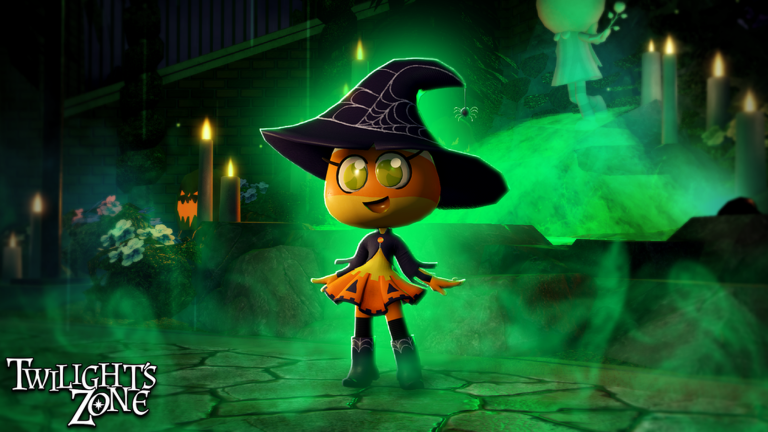
Building up a steady stash of resources in Twilight’s Zone takes time, especially when every major milestone demands a hefty wallet. Whether you are checking out the experience for the very first time or returning after a fresh update, gathering what you need strictly through standard gameplay can quickly feel like an uphill climb.
That is where Volts come into play. As the core currency driving your progression forward, Volts allow you to acquire essential tools, pick up upgrades, and keep your inventory primed for whatever challenges arise. Falling behind on currency means watching other players sprint ahead while you grind routine tasks.
Promo codes serve as the perfect shortcut around that grind. Rather than spending your free gaming sessions repeating basic actions to scrape together funds, claiming developer gifts gives your bank balance an immediate shot in the arm. It lets you skip the tedious early-game hustle entirely.
The developers tend to drop new gifts to commemorate community milestones, holiday events, or even unexpected downtime delays. Because these bonuses arrive without much prior warning, keeping track of them across various patch announcements and social feeds can easily become a headache.
That is why we keep this guide updated, testing every active phrase directly in the experience so you do not waste precious playtime on broken entries. Stacking up these free Volts ensures you always have the spending power needed to stay well ahead of the curve.
Updated October 2026: We checked for new releases and verified that all current codes grant free Volts. Be sure to redeem them quickly before the next patch cycles them out.
All Twilight’s Zone Codes (October 2026)
Redeem the active phrases below to collect your free Volts:
- HALLOW26
- HOLIDAYDELAY
- HOLIDAY25
- BELLBOY
- VOLTS
Expired Twilight’s Zone Codes
There are currently no expired codes for Twilight’s Zone.
No expired codes yet.
How to Redeem Codes in Twilight’s Zone
- Launch Twilight’s Zone on the Roblox platform.
- Locate and click the Codes or Rewards icon, typically found on the side of your screen or inside the main menu.
- Enter a working code exactly as shown into the text box.
- Press the Redeem or Submit button to claim your Volts.
Why Your Code Isn’t Working
- Case sensitivity: Roblox codes frequently require exact capitalization. Copy and paste entries directly to avoid accidental typos.
- Expired status: Developers occasionally disable reward phrases without warning. If a code fails, it may have reached its shelf life.
- Extra spaces: Check that you haven’t highlighted an accidental space before or after the code when pasting.
- One-time use: Account redemptions are strictly limited to one use per profile.
How to Get More Twilight’s Zone Codes
To find more reward drops, join the developer’s official Roblox group and keep an eye on community Discord servers or developer announcements during new game events. You can also bookmark this page and check back regularly, as we continuously test and refresh the list whenever fresh codes drop.

