

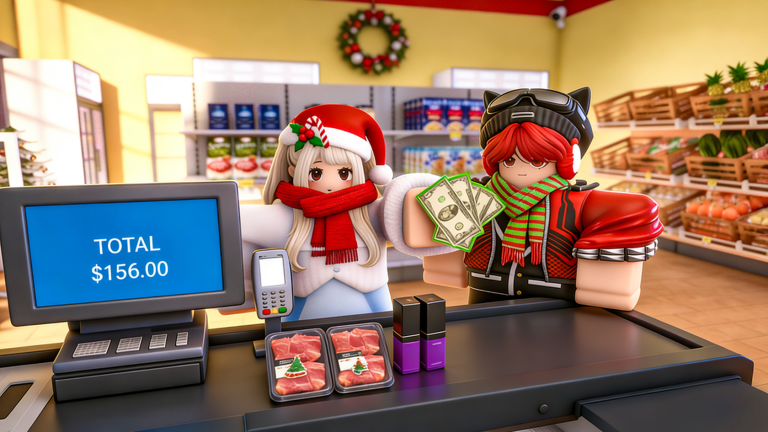
Running a successful retail business on Roblox requires constant attention to detail and a healthy bank balance. You spend your time managing stock, handling transactions, and ensuring your shelves are never empty. The gameplay loop focuses on balancing your initial capital with the demands of your growing customer base, turning a humble storefront into a thriving local hub.
As you expand your floor space, the cost of goods and operational upgrades begins to climb rapidly. Managing these overheads is the primary challenge for any aspiring business owner. Every decision, from how much inventory to purchase to when to invest in better equipment, hinges on your current liquidity.
This is where promotional codes become an essential tool for your progression. These gifts provide instant liquidity, allowing you to bypass some of the early-game grinding and jump straight into scaling your operation. Having extra funds on hand means you can pivot quickly when demand shifts.
Keeping your operation stocked is only part of the battle. You need to focus on efficiency, as a faster checkout process leads to higher turnover and greater profits. By optimizing how you spend your free capital, you ensure that your store remains the preferred destination for shoppers, preventing potential bottlenecks during peak hours.
We actively monitor the latest drops and developer announcements to ensure our list stays current. Keeping your wallet full is a simple way to stay competitive, so we verify every entry to ensure you spend less time searching and more time serving your customers.
Updated October 2026, these new codes provide a solid injection of cash to help you restock shelves and upgrade your equipment. Make sure to claim these rewards quickly, as they often have limited lifespans.
All Supermarket Simulator Codes (October 2026)
Here are the latest active codes you can use to boost your in-game balance.
- Excellence
- Fantastic
- Halloween2025
- Outstanding
- Awesome
- Wonderful
- Incredible
- Unbelievable
Expired Supermarket Simulator Codes
These codes are no longer valid and cannot be redeemed for rewards.
No expired codes yet.
How to Redeem Codes in Supermarket Simulator
- Launch the experience on Roblox.
- Locate the menu icon or a designated gift box button on the main interface.
- Click the button to open the redemption window.
- Type or paste your code exactly as it appears in the list above.
- Confirm your entry to receive your cash and rewards instantly.
Why Your Code Isn’t Working
- Case Sensitivity: Many codes require specific capitalization to function correctly.
- Expiry: Promotional offers are time-sensitive and may become inactive without notice.
- Typos: Ensure you have not accidentally included leading or trailing spaces.
- Already Redeemed: Most codes are single-use per account, so you cannot claim them twice.
How to Get More Supermarket Simulator Codes
Developers typically distribute new codes through official social media accounts or community servers. Keep an eye on the game’s official store page and any linked group profiles for announcements regarding updates or special events. We refresh this page frequently, so bookmarking this article is the easiest way to stay updated on the latest freebies.

