

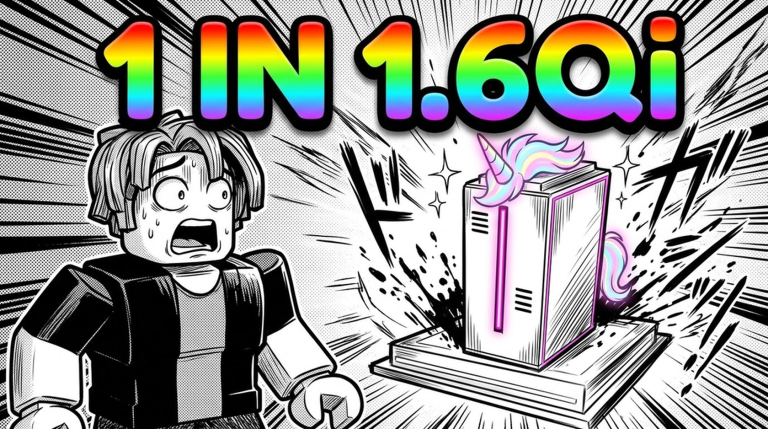
Rolling games on Roblox have carved out a massive niche, and Roll a PC takes that familiar luck-based formula straight to hardware enthusiasts. Instead of spinning for fantasy swords, mythical pets, or anime powers, your entire journey revolves around testing your fortune to assemble an enviable computer setup.
The core gameplay loop centers on hitting that roll button and hoping the odds tip in your favor. You start with basic components, steadily gathering parts as you try to upgrade your workstation into something truly impressive. As you expand your collection, tools like fuse machines let you merge lower-tier items together to forge stronger, more valuable hardware.
Like most luck simulators, progression here turns into an ongoing battle against RNG. Everyone on the server wants to flaunt the rarest builds, meaning you will spend considerable time chasing elusive percentage drops, maximizing your roll efficiency, and aiming for whatever milestone pieces sit at the top of the loot table.
That continuous grind makes promotional codes an essential part of your daily routine. Putting together an elite setup takes plenty of patience, and developer-issued freebies supply handy boosts and materials that keep your progression moving forward without forcing you to wait out lengthy rolling sessions.
Our team keeps a close eye on developer announcements, testing each voucher manually to ensure this guide stays accurate and reliable. Grabbing the latest gifts ensures your parts collection grows smoothly, giving you an edge every time you sit down to upgrade your digital workstation.
Updated October 2026: We checked for the latest codes. Several active bonuses are available right now to celebrate community milestones and recent content updates, so be sure to claim them before they expire.
All Roll a PC Codes (October 2026)
Here are all the active redeem codes currently available to boost your setup:
- UPDATE2
- HALLOWEEN
- 1000LIKES
- TRUEUPDATE2
- FUSEMACHINE
- 1000CCU
Expired Roll a PC Codes
There are currently no inactive codes for the game.
No expired codes yet.
How to Redeem Codes in Roll a PC
- Launch Roll a PC in the Roblox app.
- Look for the Codes button or icon on your screen, commonly displayed as a Twitter bird, gift box, or gear symbol.
- Click the icon to open the code entry pop-up menu.
- Type or paste your code accurately into the text field.
- Click Redeem to confirm and receive your rewards.
Why Your Code Isn’t Working
- Expired Codes: Developers occasionally disable reward codes without prior notice when an event or milestone ends.
- Case Sensitivity: Capital letters must match precisely. It is best to copy and paste the code directly to avoid typos.
- Extra Spaces: Ensure you do not accidentally copy an extra space at the beginning or end of the text.
- Already Redeemed: Promo codes can only be used once per account.
How to Get More Roll a PC Codes
To pick up new codes as soon as they drop, keep an eye on the developers’ official Roblox group and community Discord server. Creators regularly hand out fresh rewards during major game updates, seasonal celebrations, and player-count milestones. You can also bookmark this guide and check back whenever an update lands, as we update our list whenever new codes arrive.

