

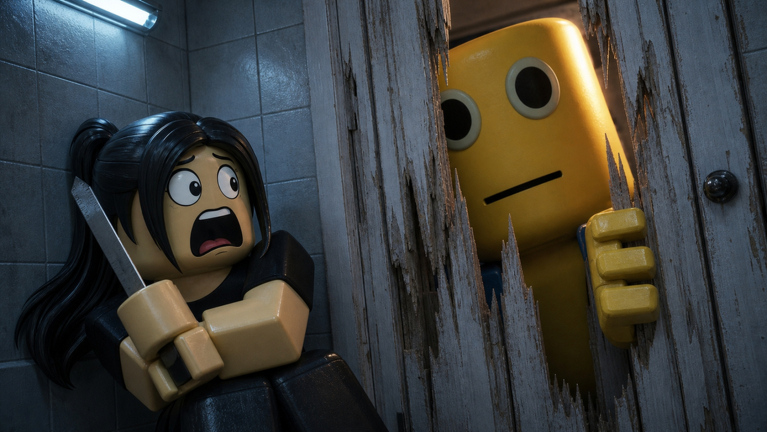

BreakDoor’s free rewards give you a practical place to start when you’re checking out this Roblox experience. The current selection includes gems, spins, a chest, and auto repair trial cards. That’s a useful spread, though the rewards alone don’t tell you exactly how the game plays or what your main objectives will be.
If you’re watching your gem balance, two of the available rewards are worth a look: one provides 1,000 gems, while another adds 2,000. Claiming both gives you 3,000 gems altogether. What you spend them on is a separate decision; you don’t need to settle that before collecting the free currency.
Spins make up another part of the lineup, with two separate codes offering them. Their reward descriptions don’t specify quantities, so don’t assume you’re getting a particular number from either claim. Check the confirmation when you redeem them to see exactly what has been added, rather than planning around an unconfirmed amount.
The remaining rewards are more specific: one chest and three auto repair trial cards. The chest reward is the newest addition marked on the current list. The cards are explicitly described as trials, so it’s worth reading their in-game details before using them rather than treating them as a permanent feature unlock.
There are six working codes listed below and no known expired entries. Keeping those categories separate makes return visits easier: you can check the current selection without sorting through old rewards. Start with anything you haven’t claimed, then check your balance and inventory for the currency, spins, and items you’ve collected.
Updated November 2026: The latest addition offers one chest, alongside gems, spins, and trial cards from the other codes. Redeem them before they expire.
All BreakDoor Codes (November 2026)
These six codes are currently listed as working.
- JoinBug
- ApologizeGift5
- Freespin555
- WELCOMEDOOR
- HappyGame
- Nice10000ccu
Expired BreakDoor Codes
There are currently no known expired codes.
No expired codes yet.
How to Redeem Codes in BreakDoor
The exact menu labels aren’t confirmed, so use these general steps:
- Launch BreakDoor on Roblox.
- Look through the main menu or settings for a codes or promo redemption option.
- Copy a working code into the redemption field.
- Select the confirmation button, then check the reward message.
Why Your Code Isn’t Working
- Case sensitivity: Match the code’s capitalization exactly.
- Expiry: A code may stop working before the list reflects that change.
- Restrictions: Check any error message for region or level requirements; neither is confirmed here.
- Typing errors: Paste instead of typing, and remove extra spaces.
How to Get More BreakDoor Codes
Start with the game’s Roblox page and any official social channels linked there. Watch for developer announcements, event posts, and live streams if the team runs them; avoid treating unverified accounts as official sources.
Bookmark this page to keep the active and expired lists handy for your next visit.