

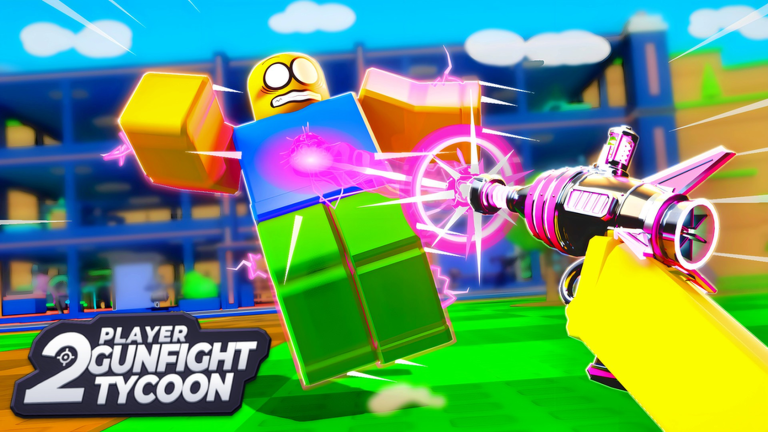
2 Player Gunfight Tycoon brings a competitive, fast-paced edge to the classic Roblox building formula. Instead of working alone, you and a partner manage your own base, balancing construction speed with the constant threat of enemy players who are looking to derail your progress. It is a balancing act of resource management and tactical defense where every decision counts.
Progression revolves around accumulating wealth to upgrade your facility. The more you invest in your infrastructure, the better weaponry you can unlock, allowing you to hold your ground against more aggressive opponents. Grinding for these assets can be a long road, which is where external boosters become incredibly valuable for maintaining an edge.
Codes act as a shortcut for players who want to jump straight into the action without spending hours on entry-level accumulation. By providing instant rewards, these drops help you skip some of the more tedious early-game grinds, letting you focus on the actual gunfights and base defense strategies that define the experience.
We monitor the game’s development closely to ensure our information stays current. Whenever a new update drops or a developer social media milestone is hit, we verify the latest rewards to ensure you aren’t wasting time on inactive strings. Keeping your loadout updated is the best way to ensure you aren’t left behind by wealthier rivals.
Redeeming these items allows you to secure powerful gear early. Whether it is extra currency to finish that last facility upgrade or a rare item to intimidate your foes, these codes are the most efficient way to bolster your inventory immediately.
Updated November 2026, this list currently features a powerful new code providing a free nuke and extra gems. Be sure to redeem these rewards as soon as possible before the developer rotates them out of the game.
All 2 Player Gunfight Tycoon Codes (November 2026)
Use these active codes to claim your rewards and get a head start in your current lobby.
- ZAPPED
Expired 2 Player Gunfight Tycoon Codes
These codes are no longer functional and cannot be used for any in-game rewards.
No expired codes yet.
How to Redeem Codes in 2 Player Gunfight Tycoon
- Launch the game through the Roblox client.
- Look for a menu icon or a shop button on the main UI, typically located on the side of the screen.
- Locate the text box labeled “Codes” or “Enter Code Here.”
- Input your code exactly as it appears in the list above, ensuring the capitalization is correct.
- Press the confirm or submit button to add the rewards to your account.
Why Your Code Isn’t Working
- Case Sensitivity: Codes are usually case-sensitive, so avoid using all caps if the code is lowercase.
- Expiry: Most codes are limited-time offers and will stop working after a specific duration.
- Typing Errors: Copy and paste the codes directly from this guide to avoid typos like confusing a zero for the letter O.
- Redemption Limits: Some codes may have already been used by your account or might be restricted to specific player milestones.
How to Get More 2 Player Gunfight Tycoon Codes
The best way to stay ahead of the curve is to follow the developer’s official social media channels, including their X (formerly Twitter) account or dedicated Roblox group. Developers often drop new codes during events, game updates, or after hitting player count milestones. We suggest bookmarking this page and checking back frequently, as we update our lists as soon as new information becomes available.

