

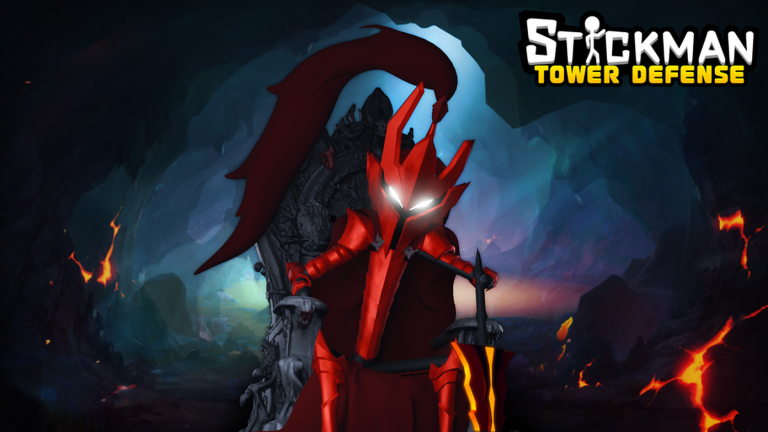
Setting up a strong line of defense in Stickman Tower Defense takes strategy, patience, and plenty of resources. As waves of enemies press down the lane, having the right stickman units placed in key positions makes all the difference between holding the fort and starting over.
Like many popular defensive strategy games on Roblox, your success relies heavily on accumulating currency during and between matches. You need a steady cash flow to expand your roster, level up your defenders, and tackle tougher maps or higher difficulty modes.
While grinding through early stages will earn you steady pocket money, building up a formidable army quickly can feel like a slow crawl. That is where promo codes step in to give your stash an immediate boost without requiring hours of repeating completed levels.
Developer-released codes provide free extra Coins, granting you the capital needed to pull new units or fund crucial upgrades right away. Whether you are trying to beat a tough solo challenge or hold out in raid modes, free rewards give you a much-needed head start.
We regularly track down every working reward for this experience so you never miss out on freebies. Below, you will find all the active promo codes available right now, along with a quick guide on how to claim them in-game.
Updated October 2026: The newest codes deliver a fresh batch of Coins, giving you extra currency to spend on unit pulls and defensive upgrades. Make sure to redeem them quickly before they expire!
All Stickman Tower Defense Codes (October 2026)
Use these active promo codes to claim free Coins and strengthen your defensive lineup.
- halloween2026
- onepiece
- spring
- siegemode
- christmas2025
- thanksgiving2025
- piece
- halloween2025
- season5
- 1stanniversary
- summer
- squid
- tournament
- raidai
- solo2
- easter
- solo
- nezha
- sixstar
- raid
- trade
- likeus
- 18klike
- wukong
- tower
- super
- welcome
Expired Stickman Tower Defense Codes
The following codes have expired and can no longer be redeemed in the game.
- Codes button
- Submit
How to Redeem Codes in Stickman Tower Defense
Follow these quick steps to claim your free rewards in Stickman Tower Defense:
- Launch Stickman Tower Defense on Roblox.
- Look for the Codes or Promo icon on the screen.
- Enter a working code into the text box exactly as shown.
- Click the Redeem button to claim your Coins.
Why Your Code Isn’t Working
If a code fails to process, consider these common reasons:
- Incorrect formatting: Codes are case-sensitive. Enter them with matching capital letters or paste them directly.
- Expiration: Developers remove active codes over time. Once expired, they can no longer be claimed.
- Prior redemption: Promotional rewards can usually only be claimed once per account.
- Extra characters: Ensure no trailing spaces were copied along with the text.
How to Get More Stickman Tower Defense Codes
To find new rewards, consider joining the official Roblox group and monitoring community channels during major updates or game milestones. For the easiest way to stay stocked on free Coins, bookmark this guide and check back regularly as we update the list.

